
Dein Warenkorb
😊 Product added to cart successfully
Product removed to cart successfully


Verfügbarkeit für Abholungen konnte nicht geladen werden
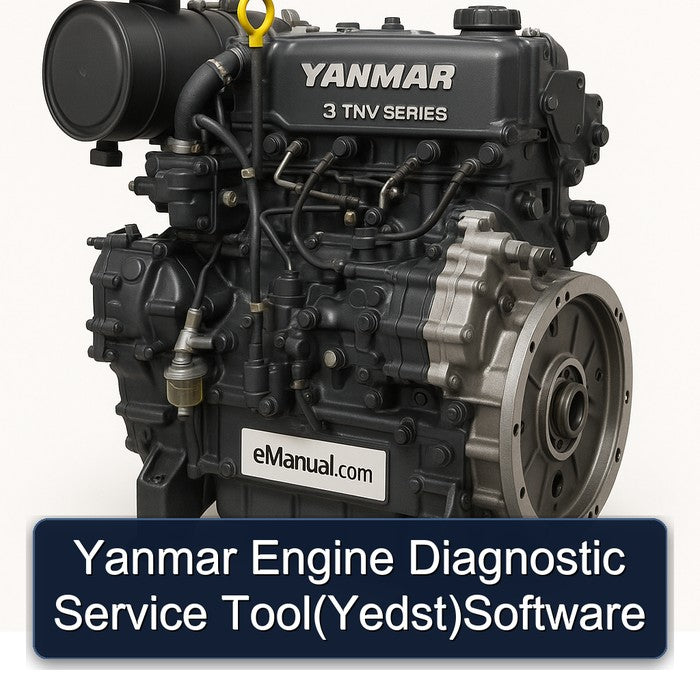
The Manual use The Yanmar Engine Diagnostic Service Tool(Yedst)Software The YANMAR Engine Diagnostic Service Tool(YEDST)for the TNV series is software to support troubleshooting and installation/maintenance services for electronic control engines. It runs on personal computers(PC/AT)running Windows operating system. This Manual Covers: 1. Overview 2. System Requirements 3. Installing the Software 4. Description of the System 4.1 Description of the Program 4.2 Authority and Password Management 5. Starting/Quitting the Software 5.1 Starting the Software 5.1.1 Connecting the System Components 5.1.2 Turning on the Devices 5.1.3 Installing the USB Driver 5.1.4 Startup Screen 5.2 Quitting the Software 5.3 Troubleshooting 6. Screen Components 6.1 Basic screen 6.1.1 Standard Tool Bar 6.1.2 Operation Tool Bar 6.1.3 Function Select Tool Bar 7. Main Menu 7.1 System Information 【Universal Function】 7.1.1 System Information 7.2 Fault Code 7.2.1 Active Diagnostic Trouble Code 【Universal Function】 7.2.2 Logged Diagnostic Trouble Code 【Mechanic Function】 7.3 Freeze Frame Data 【Mechanic Function】 7.3.1 Stored Data 7.3.2 Trend Graph 7.4 Diagnostic Test 7.4.1 Analog/Pulse Input/Output Test【Universal Function】 7.4.2 Digital Input Test 【Universal Function】 7.4.3 Digital Output Test 【Mechanic Function】 7.4.4 Active Control 【Mechanic Function】 7.4.5 Active Control Graph 7.4.6 Hysteresis Measure(Graph Display) 7.5 Data Logging 【Mechanic Function】 7.5.1 Data Monitor 7.5.2 Stored Data 7.5.3 Trend Graph 【Mechanic Function】 7.6 Historical Data 7.6.1 Lifetime Data 【Universal Function】 7.6.2 RPM-Load Profile 【Mechanic Function】 7.7 ECU Identification 【Mechanic Function】 7.7.1 Analog Channels 7.7.2 Digital Channels 【Mechanic Function】 7.7.3 ECU ID Information 7.8 System Installation 7.8.1 Configuration 【Mechanic Function】 7.8.2 Calibration 【Mechanic Function】 7.8.3 Tuning 【Mechanic Function】 8. Graph Function 8.1 Setting the Graphs 8.1.1 Basic Operations in Analog Mode 8.1.2 Saving and Loading Setting Values 8.1.3 Digital Mode 8.2 Graph Operations 9. Print Function 10. Saving and Loading Data 11. Tool Functions 11.1 System Setting 11.2 User Management 11.3 Changing a Password 12. Glossary 13. Appendix 14. References =============================== PRODUCT DETAILS: File Format: PDF Language: English Printable: without any restriction Delivery: Download link will appear on the checkout page after payment is complete. Requirements: Adobe PDF Reader