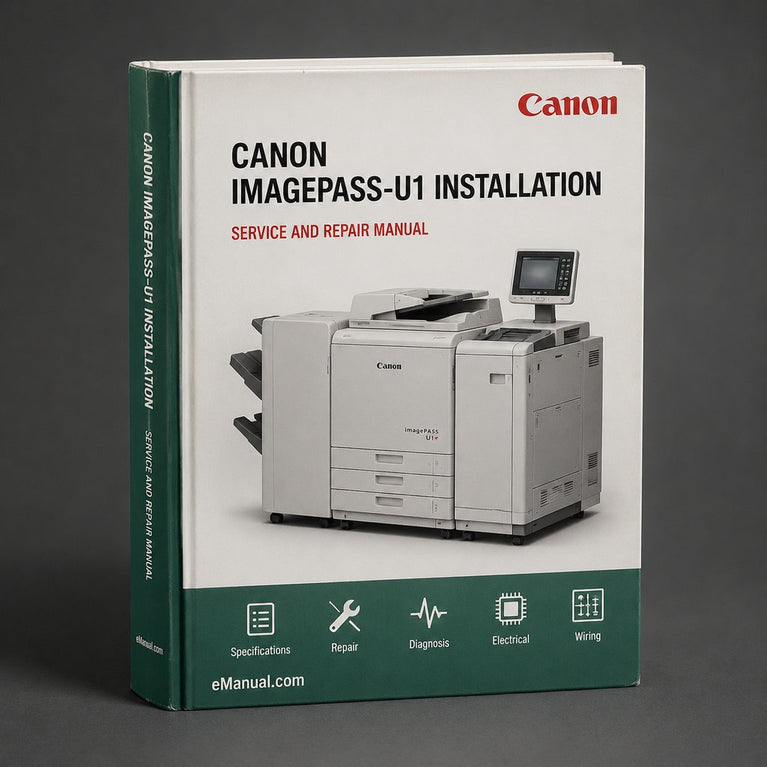
Target Audience:
Service technicians, IT administrators, and experienced DIY owners servicing Canon imageRUNNER systems
Primary Use:
Installation, configuration, troubleshooting, and repair of the imagePASS-U1 print controller
Documentation Type:
Complete factory service and repair workshop manual
Detail Level:
Detailed pictures, diagrams, and step-by-step procedures
Hardware Overview:
Controller enclosure, interface cards, and internal components
Installation Procedures:
Physical mounting, connection to imageRUNNER host device, and initial setup
Network Configuration:
Network interface setup, protocol configuration, and print server settings
Print Engine Interface:
Communication between the imagePASS-U1 and the connected Canon device
Power Supply:
Power input, regulators, and related diagnostics
Firmware / Software:
System software loading, updates, and boot procedures
Step-by-Step Installation:
Full installation sequence with illustrated steps
Disassembly / Reassembly:
Component removal and replacement instructions
Troubleshooting:
Symptom-based fault isolation and corrective actions
Diagnostics:
Built-in diagnostic routines and test procedures
Adjustments:
Service-level adjustments and configuration settings
Error Codes:
Error / fault code listings with causes and remedies
Preventive Maintenance:
Recommended inspection and service tasks
Schematics:
Wiring and connection diagrams included where applicable
Exploded Views:
Parts location diagrams for assembly reference
Specifications Tables:
Electrical and operational specifications for verification
Tools Required:
Service tool lists for each major procedure
Parts Identification:
Component names and part references throughout the diagrams
Replacement Guidance:
Removal and installation instructions for serviceable parts
Ordering Information:
N/A - manual does not include a price list or ordering catalog
File Format:
PDF (searchable, bookmarked, zoomable)
Compatibility:
Windows, macOS, Linux, iOS, and Android — any device with a PDF reader
Requirements:
A PDF reader application (e.g. Adobe Acrobat Reader, free)
Searchability:
Fully text searchable for fast lookup of any topic
Print Quality:
High-resolution digital pages, printable at full clarity
Binding Type:
N/A — digital download, no physical binding
Paper Type:
N/A — digital download, no physical paper
Service Intervals:
Preventive maintenance tasks and inspection points described in the manual
Cleaning Procedures:
Guidance for cleaning internal and external components during service
Common Wear Items:
Fans, cables, and connectors identified as typical inspection points
Known Issues:
Troubleshooting section covers common faults with causes and corrective actions
Fluid Specifications:
N/A - not applicable